Google's Android platform certainly has no shortage of applications.
The Android Market, as of Google's last official estimate, boasts more than 200,000 apps on its virtual shelves. But impressive as that number may seem, Android apps can sometimes leave you feeling unsatisfied. Sure, there are plenty of quality creations--but there are also some big-name programs either missing important features or just missing altogether. We're going to look at subpar offerings from Facebook, Netflix, Skype and others.

Here are five of Android's biggest app fails--from tech companies that should know better--along with some workarounds to help you ease the pain.
Android App Fail #1: Facebook
When we polled various Android users about their app letdowns, the most common response--by a landslide--was Facebook. The comments on the Facebook app's Android Market page say it all:
"Can't see newly uploaded pics unless you log out and log back in. Force closes once in while. ... OMG. FIX!"
"Notifications faulty. News feed screen unresponsive. App has become so horrid that I no longer use FB."
"Dear Facebook. Your app on Android is complete crap. Can you take a few hours away from finding new ways to publish my private info and fix this app?"
You get the idea. Without exaggeration, I was unable to find a single positive remark on the first 10 pages of comments on the day I looked (I gave up after that point).
Here's the truth: While the Facebook Android app has undoubtedly improved over recent months--it used to lack support for messaging, chat, and even photo-viewing--it still has more than its fair share of problems. Aside from the stability issues mentioned above, the app provides no way to edit a profile, delete a wall post, or tag a photo. Tapping an item in your News Feed rarely does what you expect, and the overall experience--to borrow a certain company's buzzword--leaves little to "like."

The workaround: You could always use the Facebook mobile site; many users actually find it less unpleasant than the standalone app. Or you can try a more fully featured third-party alternative like FriendCaster,available for $4.99 (or free in an ad-supported version). For tablets, a third-party app called Friend Me currently offers the best large-screen-optimized Facebook experience.
Android App Fail #2: Netflix
A close second on the Android app annoy-a-meter is Netflix. The movie-streaming service remained entirely unavailable on Android until this May, when the company proudly announced support...for a whopping five devices. Woo-hoo?

Netflix has since expanded to support nine Android handsets, but the vast majority of users are still lacking a way to stream movies mobile-style. And perhaps most irksome of all, not a single Android tablet--you know, the kind of gadget that's ideal for watching a film--has official Netflix support as of the publication date of this article.
The workaround: Developers from the Android community have created a modified version of the Netflix app that works on several additional devices. The results are hit and miss, but you can always give it a whirl to see if it does the trick for you. Aside from that, your only real option at the moment is to use an alternative movie service like Google Movies--or to wait impatiently while quietly grumbling.
Android App Fail #3: Skype
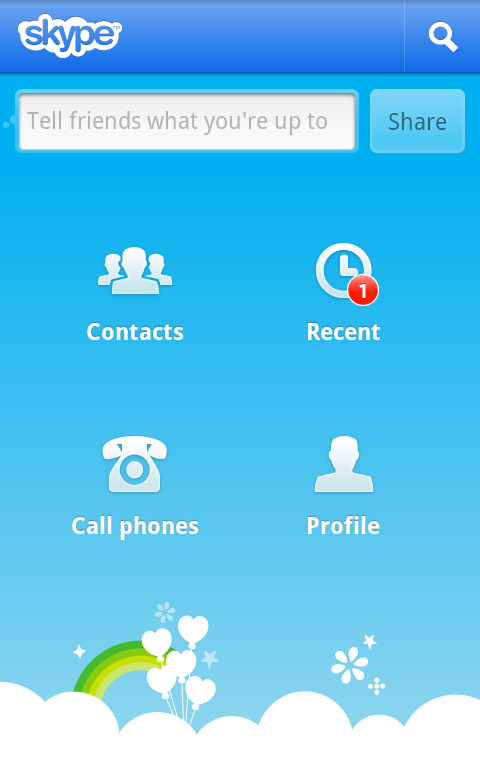
Skype has been a downer for Android users since day 1. Initially, the app was limited only to Verizon phones. Then last October, Skype finally launched platform-wide support--but the experience, to put it nicely, was about as appealing as rotten eggs. Skype's Android offering was restrictive and confusing, with different versions for different carriers and tons of restrictions on how you could place calls.
Skype's Android efforts have gotten a little less lousy over time, but the company's app approach still leaves plenty to be desired. The most glaring omission is the feature most users want: Skype-based video calling. Just in the past month, Skype has started to offer video chat to Android devices, but so far, only four phones are supported.
The workaround: A free app called Fring supports video chat on most Android devices; the only catch is that you can chat only with other users who also have this app installed.
If you're using an Android Honeycomb tablet or a phone with Android 2.3, you can use Google's preinstalled Google Talk app to video-chat with anyone else signed into the service from a phone, tablet, or PC.
Or, if you're feeling adventurous, you can try installing an unofficially modified version of the Skype app onto your Android device. A couple ofdifferent versions exist; try them at your own risk.
Android App Fail #4: Instapaper
Instapaper is a great tool for saving stories so you can read them later. The only problem: Its developer doesn't support Android--and, based on the Apple-centric and Android-critical remarks posted to his personal blog, I wouldn't place any wagers on him jumping on the bandwagon anytime soon.
The lack of an official app for such a popular service is annoying, to say the least--but it doesn't have to be detrimental.
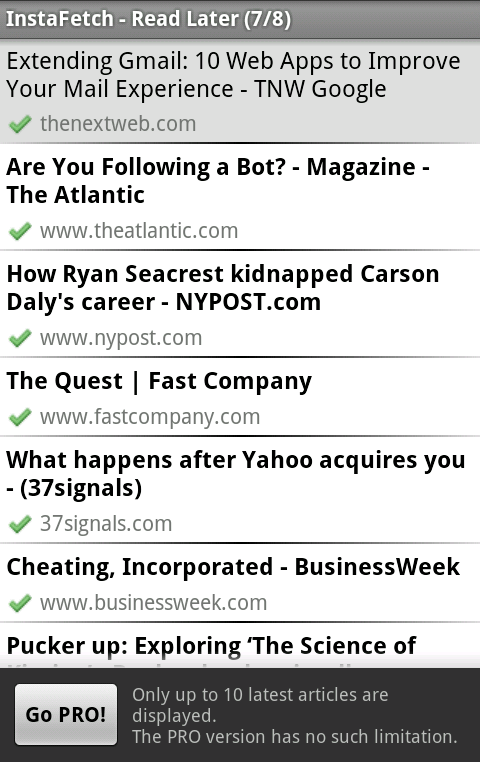
The workaround: If you're set on using the Instapaper service, you can find several good third-party clients within the Android Market. I likeInstaFetch; EverPaper is another popular option. If you don't mind ditching Instapaper altogether, you can get pretty much the same features with Read It Later, which does offer official Android support. Or you can use an Android-friendly note-taking app like Springpad orEvernote to clip pages and perform a whole lot of other functions, too. Personally, I find that to be a more useful and robust solution.
Android App Fail #5: Google Calendar
When you use a Google-powered phone, you expect to have awesome Google applications. In many ways, Android does meet this expectation--with Gmail, for example, or Google Voice Actions--but if you use Google Calendar on an Android phone, you may feel a letdown.
Google's default Calendar app isn't awful, per se, but it certainly isn't awesome. The app gives you a useless month-long view with no intuitive way of actually seeing your appointments (unless seeing a series of tiny blue dots tells you everything you need to know). Its "agenda" view is cluttered and confusing, and even the included home-screen widget is lackluster.
This flaw, however, indirectly highlights one of Android's strengths compared with other mobile operating systems: You aren't restricted to the default system software. You can always swap out any element of the OS for something more to your liking. And that brings us to our final workaround...
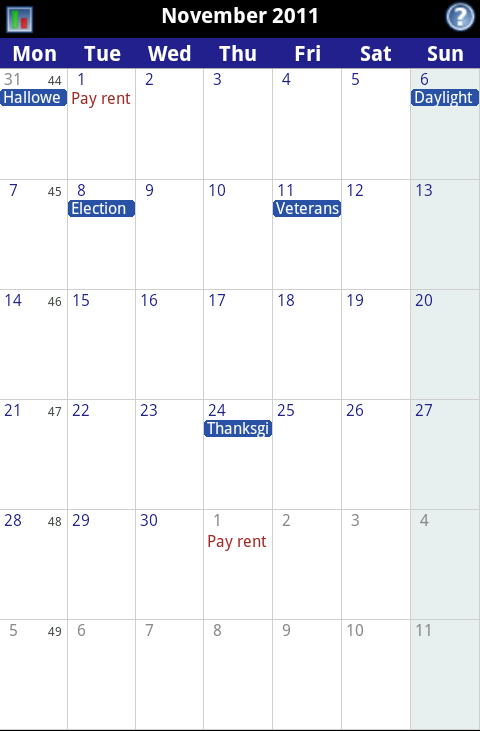
The workaround: Download Business Calendar. This app transforms your phone's calendar into what it should have been from the start: You get month-long views with snippets about all your upcoming events; you can tap on any day to bring up a scrollable pop-up window with detailed information; you can flick your finger to scroll from week to week; you can even pinch to zoom into any specific time period.
Business Calendar does a lot more, too, and best of all, you don't have to pay a dime for most of its features. The free version of the app has just a tiny smattering of unobtrusive ads (I've never actually encountered one when using the program). If you want to go pro, you can upgrade to the full version of Business Calendar for about $5; it axes the ads and adds in a few extra bells and whistles.
Business Calendar comes with a respectable set of home-screen widgets. If you want even more calendar power on your home screen, try Pure Calendar Widget, available for about $2. It lets you custom-build a calendar widget, creating your own look and feel and making your widget work almost any way you want.


